

Many Connecticut businesses don’t realize their IT provider is reactive until recurring downtime, slow response times, and ongoing technical frustrations begin affecting daily operations. A proactive managed IT provider should prevent problems before they disrupt your business — not simply respond after employees submit support tickets.
For businesses with 20–100 employees, recurring IT issues can reduce productivity, create cybersecurity risks, and negatively impact customer experience. The right managed IT partner should improve reliability, reduce recurring issues, and help your organization operate more efficiently over time.
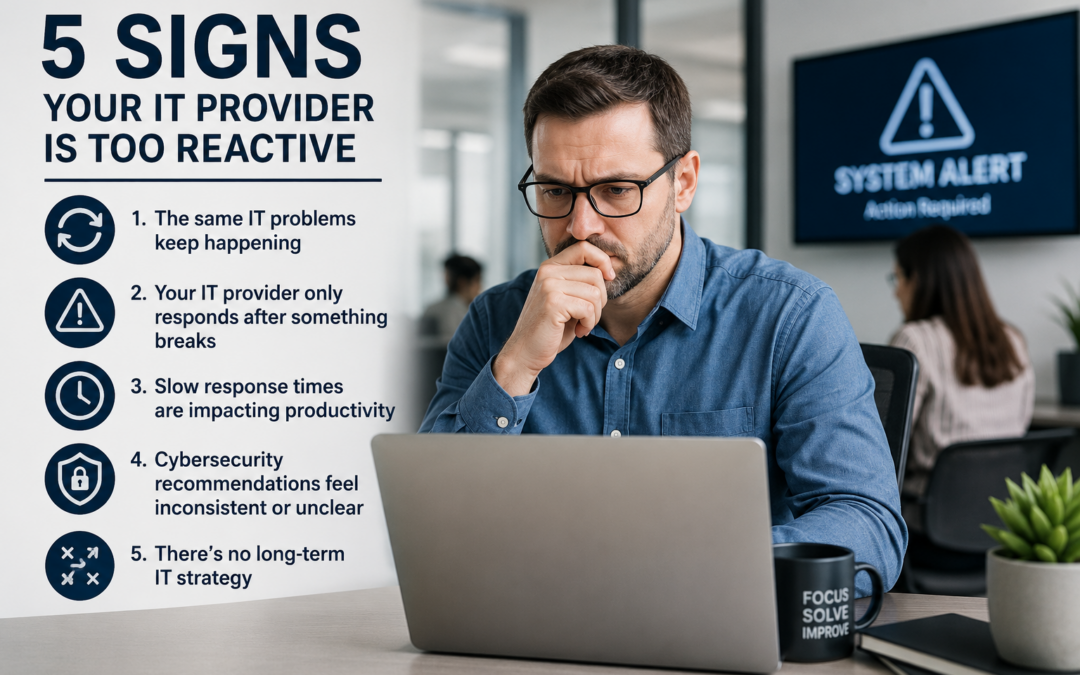
Here are five signs your current IT provider may be too reactive.
1. The Same IT Problems Keep Happening
One of the clearest signs of reactive IT support is when employees repeatedly experience the same technical issues.
Common examples include:
- Wi-Fi instability
- Slow computers
- Printer connectivity problems
- Microsoft 365 login issues
- VPN interruptions
- Recurring server performance problems
A reactive provider fixes the immediate issue temporarily but never addresses the underlying cause.
A proactive IT provider focuses on identifying patterns, standardizing systems, applying preventative maintenance, and resolving root causes before they continue impacting operations.
Over time, this leads to:
- Fewer support tickets
- Less employee frustration
- More predictable IT performance
- Improved operational efficiency
2. Your IT Provider Only Responds After Something Breaks
If your IT support strategy depends entirely on users reporting issues, your business is likely operating in reactive mode.
Modern managed IT services should include proactive monitoring systems that identify issues before they cause downtime or disruptions.
Examples of proactive IT management include:
- 24/7 infrastructure monitoring
- Automated patch management
- Security alerting
- Backup monitoring
- Hardware health monitoring
- Microsoft 365 management
- Endpoint maintenance
Without proactive oversight, small issues can quickly escalate into larger operational problems or cybersecurity incidents.
For businesses that rely heavily on uptime and productivity, preventative IT support is no longer optional.
3. Slow Response Times Are Impacting Productivity
Every minute employees spend waiting for IT support affects productivity.
When response times are inconsistent or unresolved issues linger for days, operational efficiency suffers.
At IMC Support, responsiveness is a major focus of our managed IT approach:
- Live technician response times average approximately 25 seconds
- Up to 66% of support tickets are resolved within 24 hours
Fast support matters because employees should not lose hours of productivity waiting for technical issues to be addressed.
A strong IT provider should have:
- Clear escalation procedures
- Defined service processes
- Fast communication
- Measurable response standards
- Consistent follow-through
If support delays are becoming routine, it may indicate your current provider lacks the processes or resources necessary to support your business effectively.
4. Cybersecurity Recommendations Feel Inconsistent or Unclear
Cybersecurity should never be reactive.
Many businesses only discover weaknesses after:
- A phishing incident
- Ransomware attack
- Compliance issue
- Failed backup
- Unauthorized access event
A proactive IT provider continuously evaluates and improves your security posture instead of only responding after problems occur.
Key cybersecurity practices should include:
- Multi-factor authentication (MFA)
- Endpoint protection
- Email security
- Backup verification
- Patch management
- User security awareness training
- Access control policies
Businesses in healthcare, legal, nonprofit, and professional services environments face increasing cybersecurity expectations and operational risks. Without a structured security strategy, organizations often remain vulnerable without realizing it.
5. There’s No Long-Term IT Strategy
Reactive IT providers focus only on day-to-day ticket resolution.
Proactive managed IT providers help businesses plan for the future.
Your IT partner should help guide:
- Hardware lifecycle planning
- Cloud strategy
- Cybersecurity improvements
- Budget forecasting
- Compliance planning
- Business continuity
- Scalability planning
Technology decisions should support long-term business goals — not simply solve immediate problems.
Without strategic guidance, businesses often experience:
- Unexpected hardware failures
- Increased downtime
- Poor cybersecurity maturity
- Unplanned IT expenses
- Inconsistent technology environments
A proactive IT relationship creates greater stability, predictability, and operational confidence over time.
Why Proactive IT Support Matters
For Connecticut businesses, technology downtime and recurring support issues directly affect employee productivity, customer experience, and overall business performance.
The difference between reactive and proactive IT support is often the difference between:
- Constant operational disruptions
- And a stable, reliable IT environment that supports growth
At IMC Support, we focus on proactive managed IT services designed to improve reliability, strengthen cybersecurity, and reduce recurring technical issues before they impact business operations.
With more than 30 years supporting businesses throughout Connecticut and the tri-state area, our goal is simple: help organizations spend less time dealing with technology problems and more time focusing on their business.
Looking for a More Proactive IT Partner?
Businesses evaluating managed IT providers should look for:
- Measurable response times
- Proactive monitoring processes
- Structured cybersecurity standards
- Strategic IT planning
- Consistent communication and support
The right IT partner should not just fix problems — they should help prevent them.